A quiet way to let your people feel you’re okay.
Without explaining yourself.
A small, gentle app for the days when you can’t find the words. Instead of texting twelve people that you’re spiraling, you tap a color. Your circle gets exactly the message you wrote ahead of time, in the moment you’d never be able to write it.
One tap. No essay required.
Every state on Invisible Touch is a single tap. No phone call. No performative wellness check. Just a color that means something specific between you and your people.
The four-color method is facilitated by Susan Gallup.
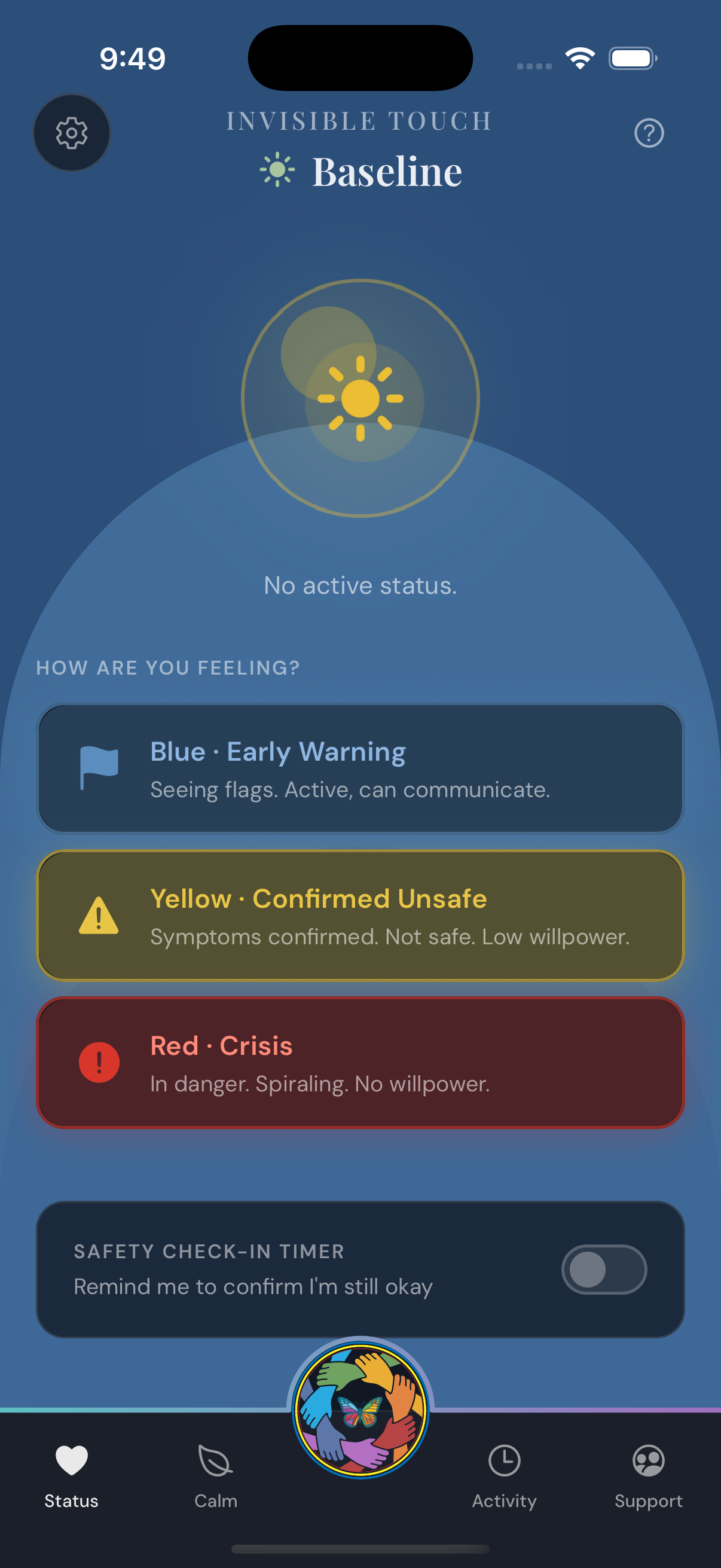
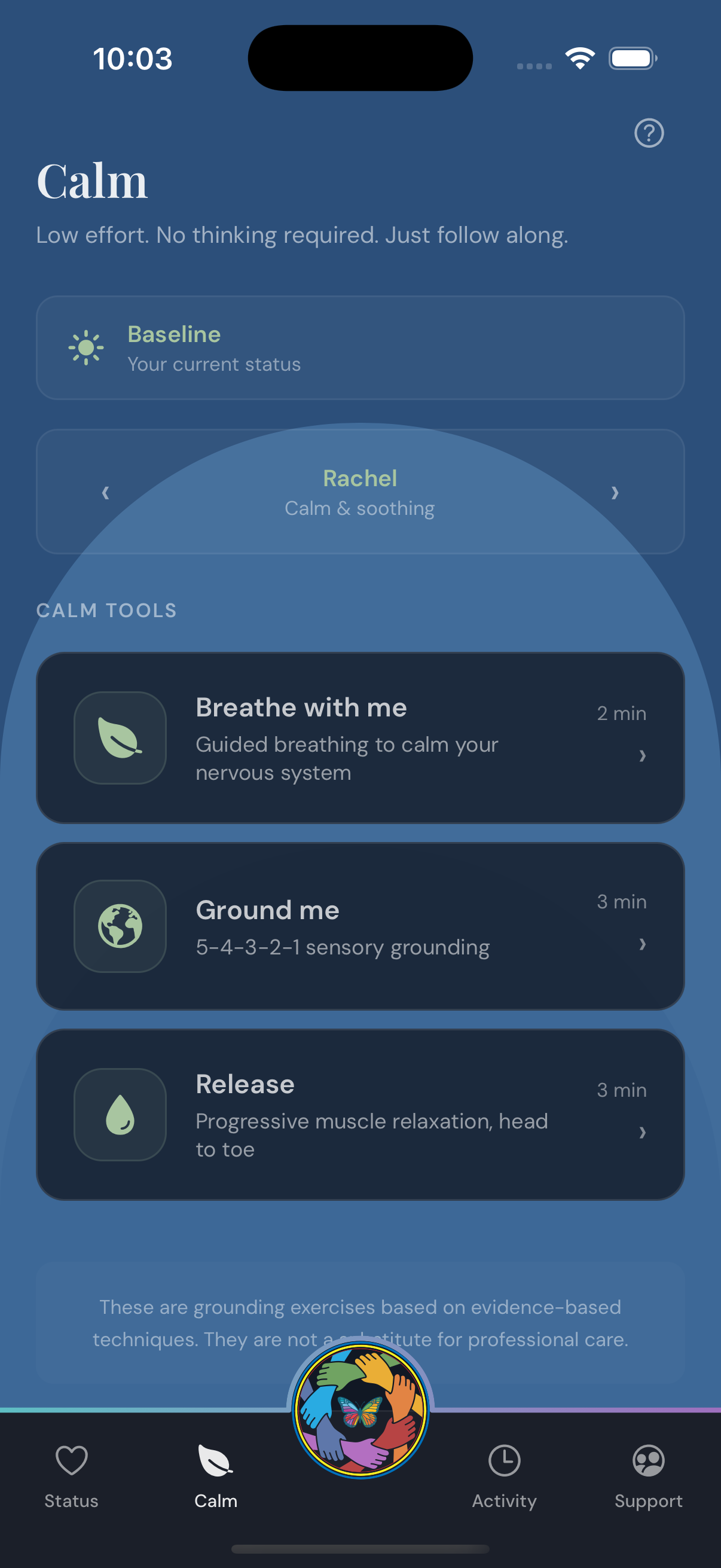
You’re okay. There’s nothing to broadcast. The app shows you a calm horizon — sunshine in a clear sky, green at the edges — and your circle sees nothing, because nothing needs to be said.
Baseline is the absence of an alert, not a status to perform.
You’re seeing flags. The intrusive thoughts are louder. You’re still active and can communicate, but you’d like someone to know.
Tapping Blue sends your circle the message you pre-wrote. A check-in helps. You’re asking for presence.
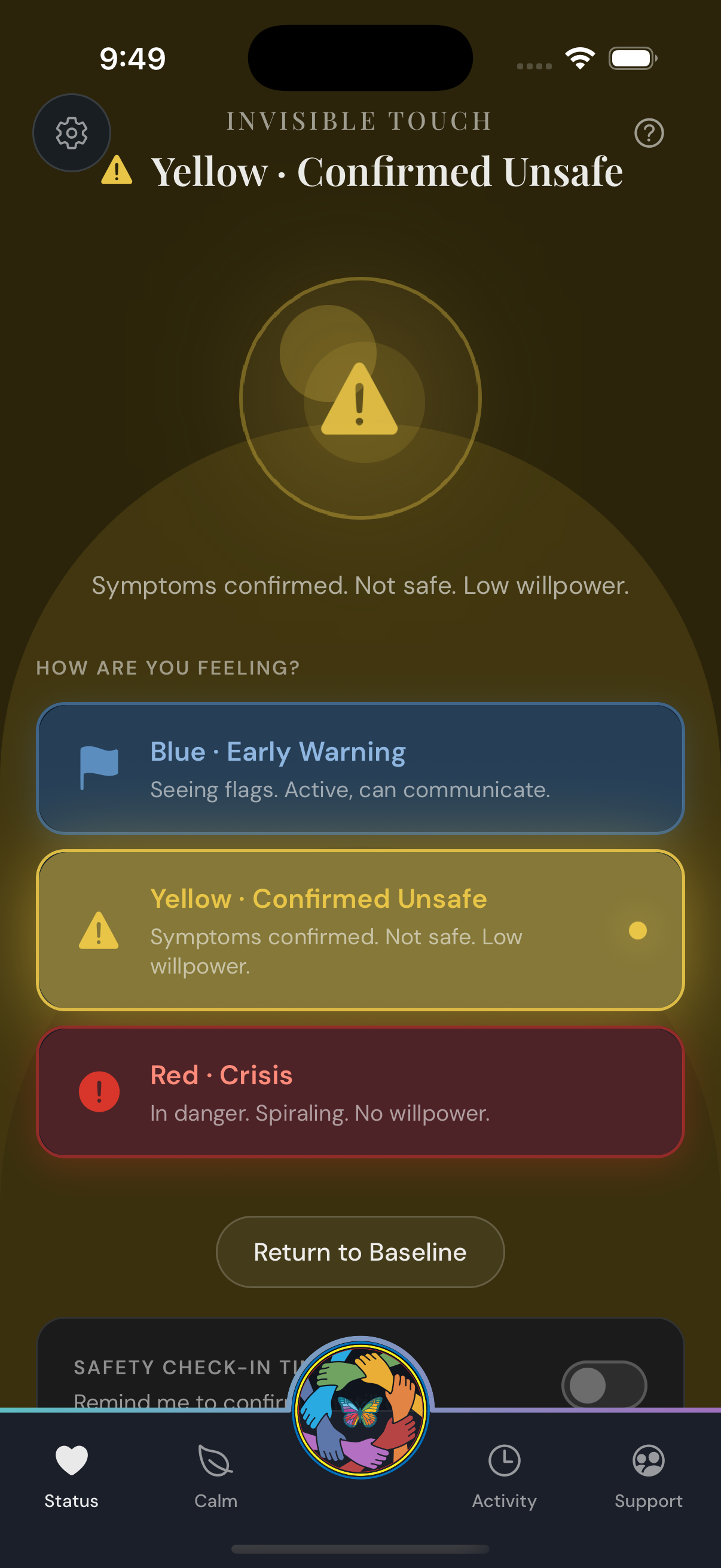
You can still ask for help, but willpower is low. You’d like someone to come sit with you, or call you, or simply not let you be alone with it right now.
Yellow tells your circle: I’m not safe — please don’t wait for me to ask twice.
Red triggers a takeover for your circle — they see your location (if you’ve shared it), the message you wrote when you were thinking clearly, a Call 911 button, and one-tap claim so two people aren’t both driving across town.
Engineered to remove every second of friction between something is wrong and somebody is here.
Write it once. When you’re well.
The whole app rests on what you write when you’re well. The work happens once, at baseline, and from then on a single tap does the rest.
A short paragraph in your own voice: who you are when you’re doing okay. What your circle sees as their default — the version of you that exists between alerts.
Not a wellness statement. A reminder of the actual person on the other end of the app.
The fields you fill in here are what your circle reads in the moment, when their own panic might otherwise drive them to do the wrong thing.
What’s happening inside, in your own sentences.
What you can still do. Removes the guesswork.
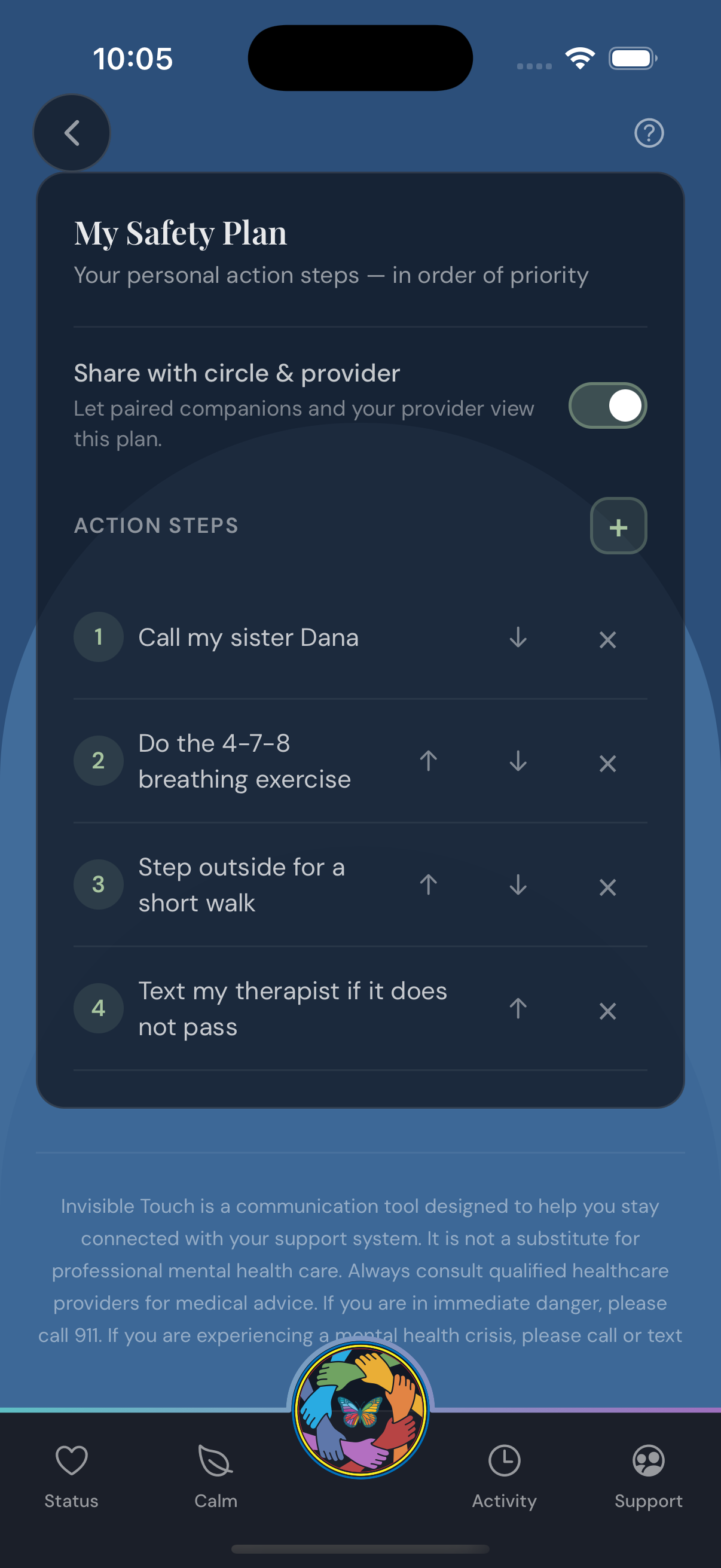
Concrete actions. Plus a Don’t list.
For each color, the exact text that goes out the moment you tap. Pre-written when your prefrontal cortex is online.
When the moment comes, you don’t compose anything. The message is already there. You just tap.
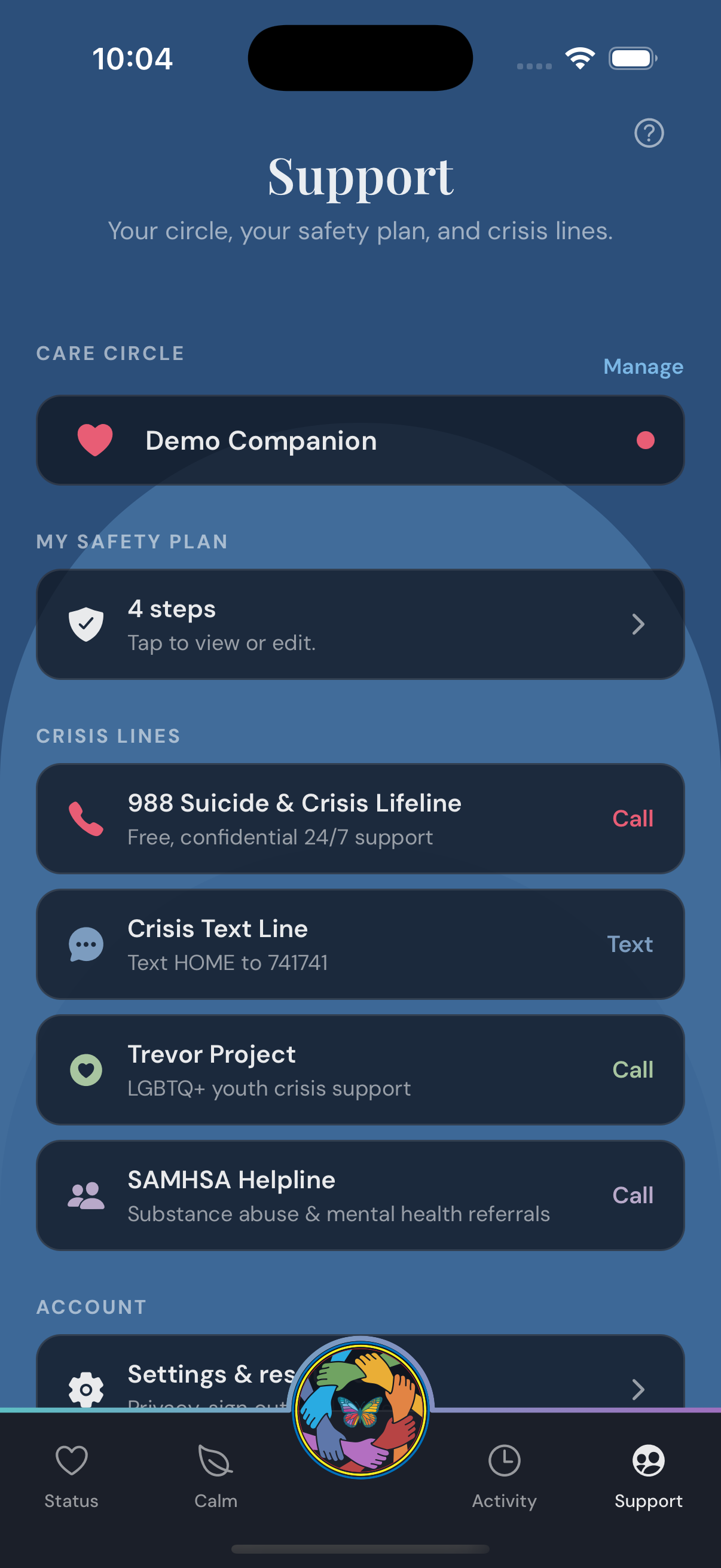
The people who get notified. Each gets a colored heart so you know at a glance who’s who.
They opt in. They can be in your circle for one color and not others. They can claim a response so the others know it’s covered.
You don’t have to explain.
You’re standing in the kitchen. Things are getting bad. You open Invisible Touch and tap Yellow.
In the next two seconds: your circle gets your pre-written message. They see your location, if you chose to share it. They see your Feelings, Abilities, and Activity for Yellow — the things you wrote at baseline that you’d never be able to articulate now.
One of them taps “I’m responding” and the others see Sarah is on it — they don’t have to wonder, don’t have to coordinate, don’t have to send a flurry of “is anyone with her?” texts that pull you further under.
You didn’t have to explain. You didn’t have to manage anyone’s panic. You didn’t have to be the person who is okay enough to organize their own help.
That’s the whole point.
Not a clinical tool.
Invisible Touch is designed for the days when speaking is the hardest possible thing. It is not a clinical tool, not a replacement for crisis services, not a substitute for therapy or the 988 Lifeline (which it links to directly inside the Red overlay).
It is a way to let your people in — on the terms you already negotiated with yourself, when you were well enough to negotiate.
If you’ve ever sat on a bedroom floor unable to dial a phone, this app is for you.
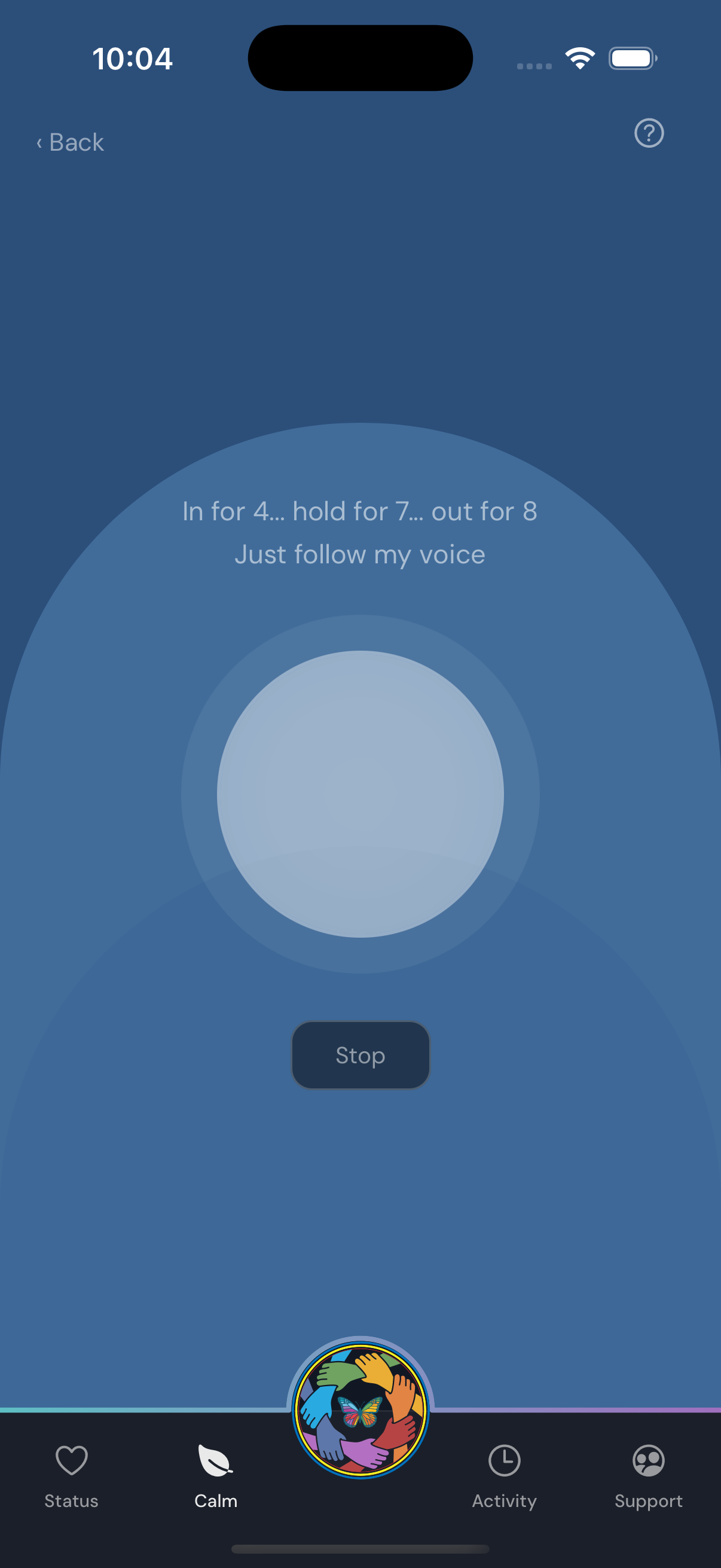
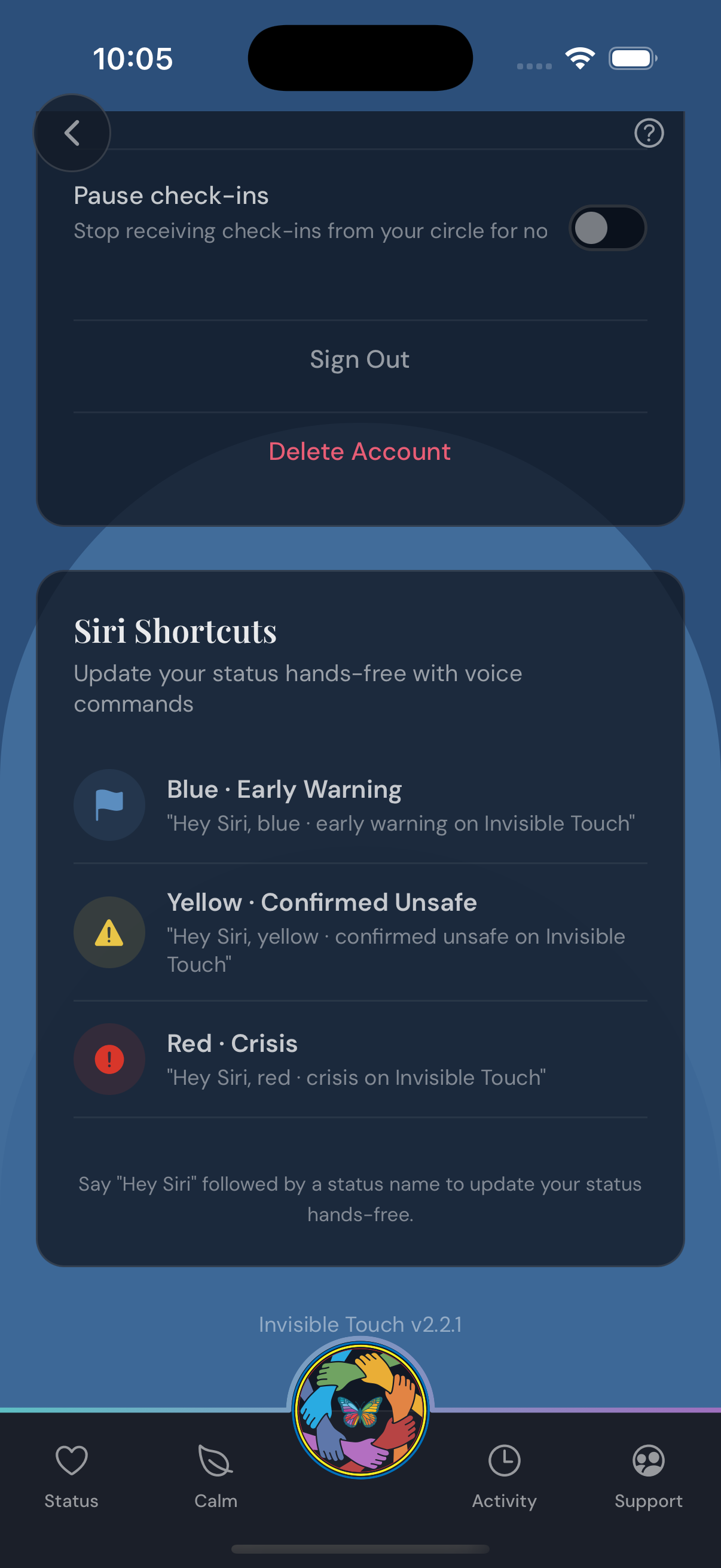
Quiet, by design.
A calm, single-screen interface — built so the hardest moments take one tap, not a paragraph.
Legal & Privacy
Required policies for the Invisible Touch iOS application, maintained for App Store Review and ongoing compliance.